











Can You Use an eSIM on a Locked Phone?

Preparing for an international business trip or a vacation involves more than just booking flights. Ensuring you have reliable internet connectivity upon arrival is crucial. However, before you purchase a data plan, there is a technical question that confuses many travelers: can you use an esim on a locked phone?
To answer this, we first need to understand the restrictions of your device and, most importantly, how to unlock your phone if you discover it is restricted.
What is a “Locked Phone”?
Before asking if it works, we must define the problem. A “locked phone” (or carrier-locked device) is a smartphone that has software restrictions built into it by the mobile network operator (such as AT&T, Verizon, T-Mobile, Vodafone, etc.).
Why do they do this? Usually, this happens when you buy a phone on a contract or a monthly payment plan. To ensure you stay with their service until the device is fully paid off, the carrier “locks” the phone.
How does this affect an eSIM? Technically, an eSIM functions just like a physical SIM card—it is just digital. Therefore, the carrier lock applies to both the physical slot and the digital eSIM chip. If the software says “Only Carrier X allowed,” it will reject a digital profile from any other provider.
Can You Use an eSIM on a Locked Phone?
The answer is no. If your phone is currently locked to a specific carrier, you cannot install or use a third-party eSIM for international data.
If you attempt to scan a QR code from a travel provider while your phone is locked, the installation will fail with error messages such as:
- “Cellular Plan Cannot Be Added”
- “SIM Not Supported”
To use a flexible international data plan, your device must be “Unlocked.”
How to Check if Your Phone is Unlocked (By Brand)
1. Apple iPhone
- Go to Settings > General > About.
- Find Carrier Lock.
- “No SIM restrictions” means you are unlocked. “SIM locked” means you are restricted.
2. Samsung Galaxy
- Go to Settings > Connections > Mobile Networks.
- Look for Network Unlock. Or try inserting a different carrier’s SIM card to see if it asks for a code.
3. Google Pixel
- Go to Settings > Network & Internet.
- Tap on SIMs. If you can select “Add more” or “Download a SIM instead” freely, it is likely unlocked.
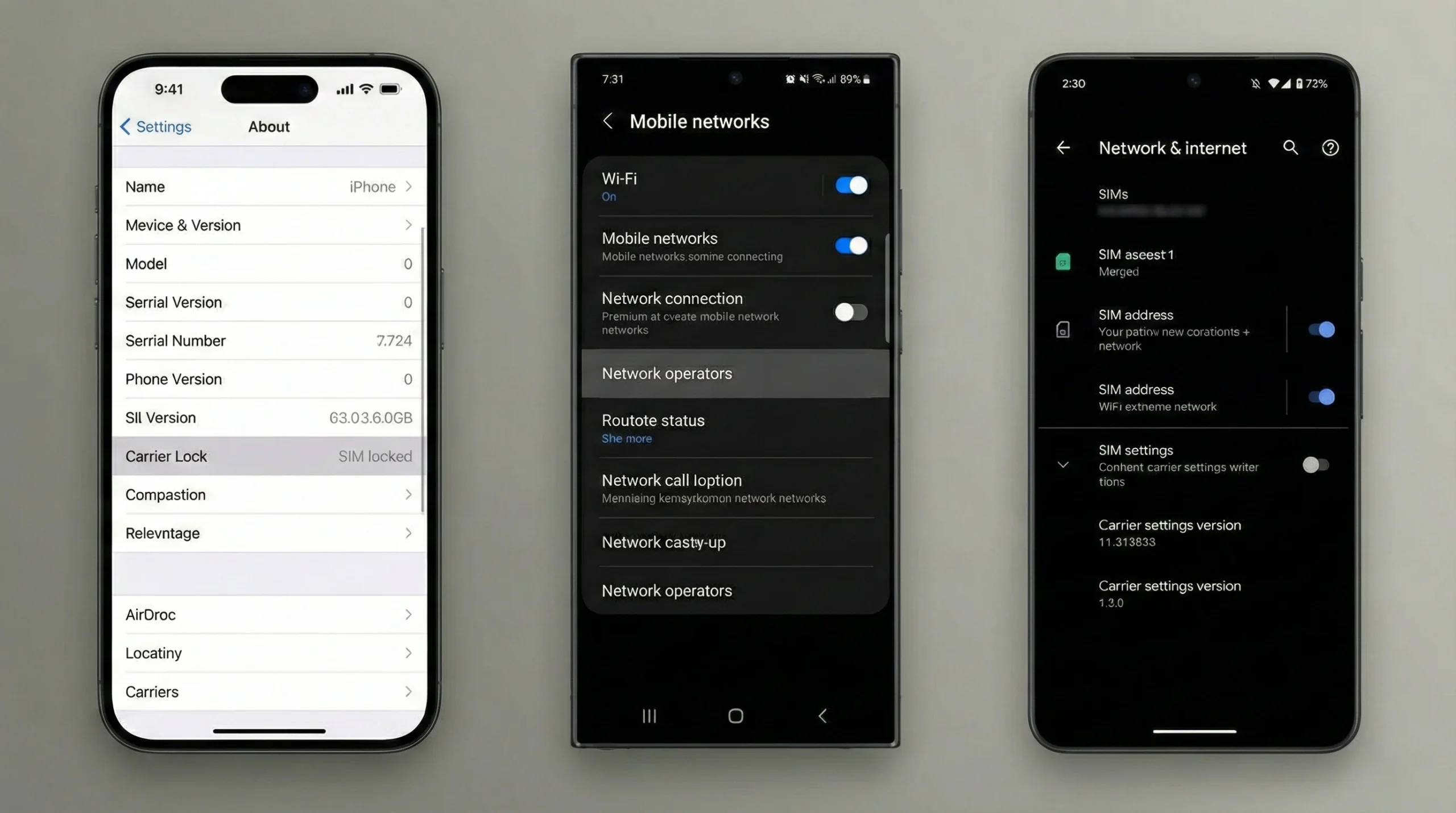
Step-by-step guide to checking carrier lock status on iPhone, Samsung, and Google Pixel; Can You Use an eSIM on a Locked Phone
If I Need to Use an eSIM on a Locked Phone, How Can I Unlock It?
This is the most common follow-up question: “My phone is locked, but I am traveling next week and need to use a Volarsky eSIM. What exactly do I need to do to fix this?”
If you need to use an eSIM on a locked device, you must remove the carrier restriction. Here is the step-by-step process to unlock your phone legally and safely.
Step 1: Verify You Meet the Unlock Requirements
Carriers will only unlock your phone if you meet specific criteria. Generally, you must:
- Pay off the device: The phone must be fully paid for (no remaining installment balance).
- Be in good standing: You cannot have overdue bills or unpaid account fees.
- Not be reported lost or stolen: The device’s IMEI number must be clean.
Step 2: Request the Unlock from Your Carrier
Do not trust shady third-party websites. Go directly to your source.
- US Carriers (AT&T, T-Mobile, Verizon): Most have an online “Device Unlock Portal” on their website. You simply enter your IMEI number and submit a request.
- International Carriers: You may need to call their customer service line or visit a local store.
- Note: Some carriers (like Verizon) automatically unlock devices 60 days after purchase, so check if this has already happened.
Step 3: Complete the Unlock Process
- For iPhone: Once the carrier approves the request (usually 24-48 hours), you simply need to connect your iPhone to Wi-Fi. The lock status in “Settings” should update to “No SIM restrictions” automatically.
- For Android: You might receive an “Unlock Code” via email to enter into your phone, or you may need to tap a permanent unlock button in the carrier’s app settings.
Why You Should Unlock for Volarsky eSIM
Once you confirm your phone is unlocked, you open the door to smarter travel connectivity. Using a dedicated travel eSIM is a cost-effective way for tourists and business travelers to stay online.
Volarsky offers specialized eSIM data plans that connect you to local networks immediately upon landing. Instead of paying expensive daily roaming fees to your home carrier, you can simply download a Volarsky profile. Whether you need to check emails in London or use maps in Tokyo, an unlocked phone combined with a Volarsky eSIM ensures you remain connected without the hassle of swapping tiny plastic cards.
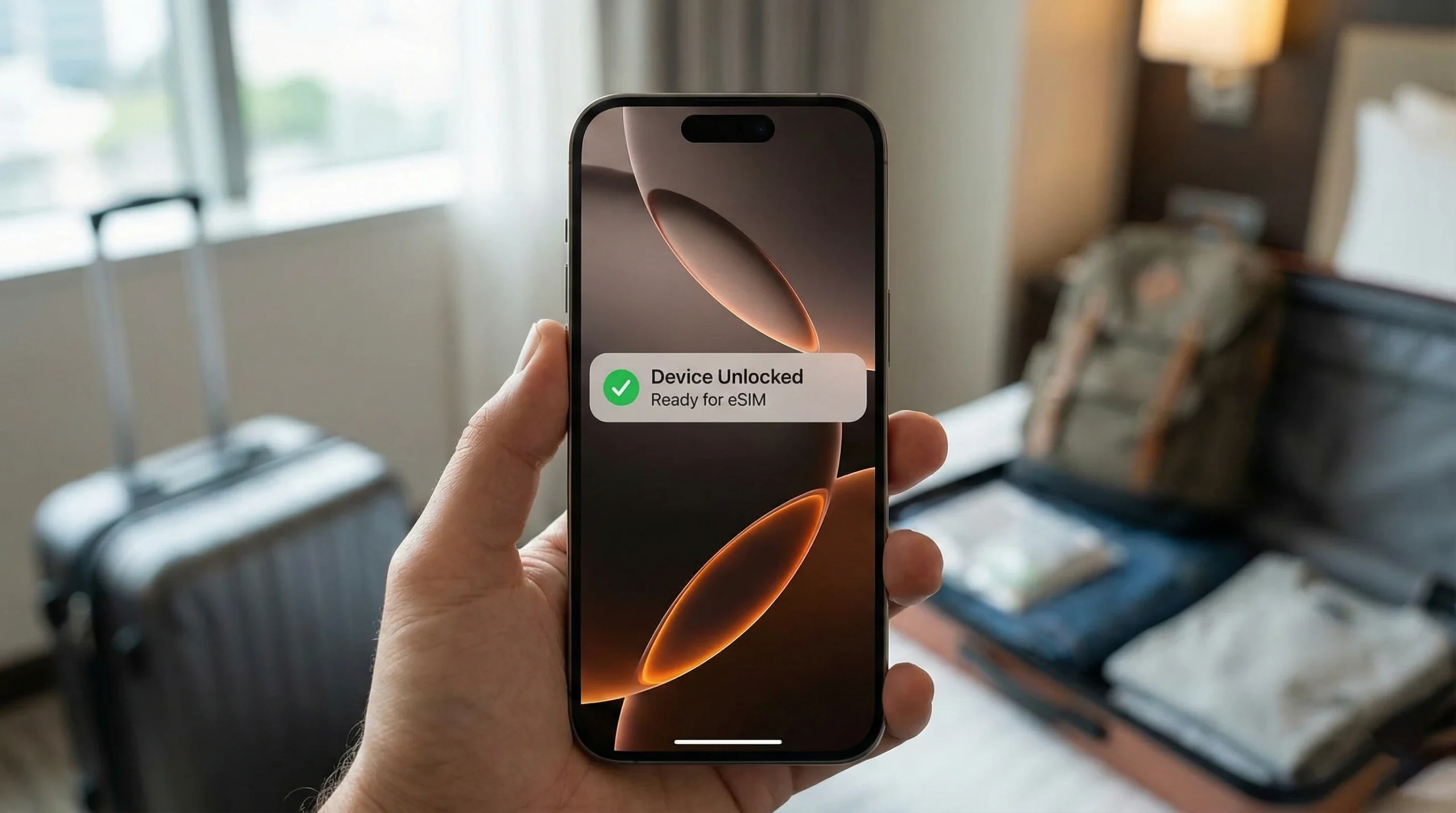
If I Need to Use an eSIM on a Locked Phone, How Can I Unlock It; eSIM
Conclusion
So, can you use an esim on a locked phone? No, but you are not out of options. By following the official unlocking steps with your carrier, you can free your device from restrictions.
Don’t let a locked phone ruin your trip. Check your status today, request an unlock if necessary, and prepare for your journey with a convenient eSIM data plan from Volarsky.